On this page
A Discord economy is a simple idea: members earn server currency for activity and spend it in a shop on roles, items or channel access. Set up well, it gives people a reason to come back every day. Set up badly, it turns into a race to the first million within a week.
In this guide you will start an economy in MurFFy from a preset, add a role shop and set the safeguards that protect against inflation and alt accounts.
Quick answer: how to set up an economy on Discord
- In the MurFFy dashboard, open Community → Economy and click Quick setup.
- Pick a preset (Casual, Balanced or Progression) and name your currency, such as Tokens.
- Check the daily reward (
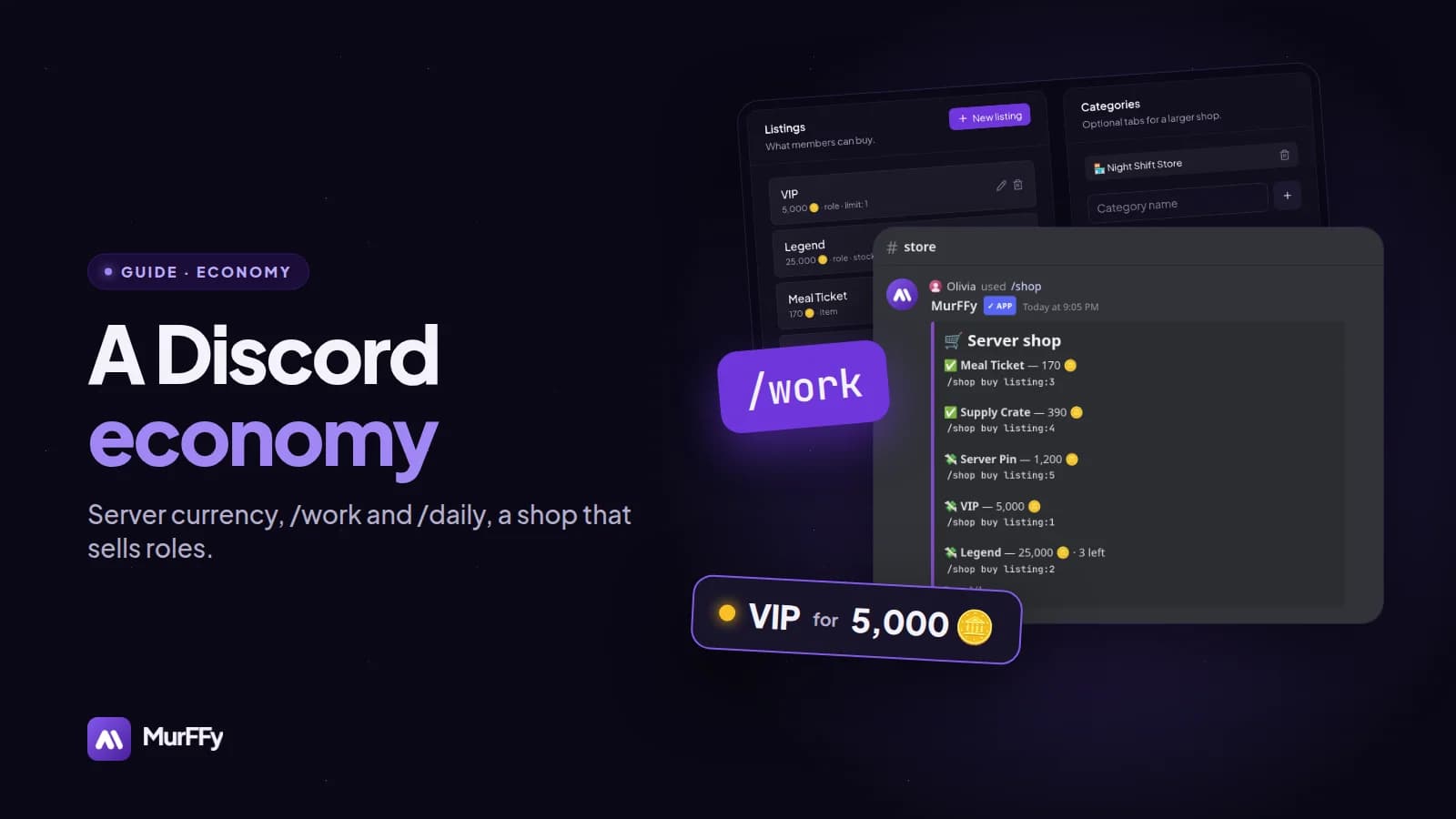
/daily) and the activities (/work,/hustle,/crime). - In the Shop, add role listings, such as VIP for 5,000 tokens.
- Announce the commands and watch the daily issuance forecast in the dashboard.
How a server economy works
Every economy has two sides:
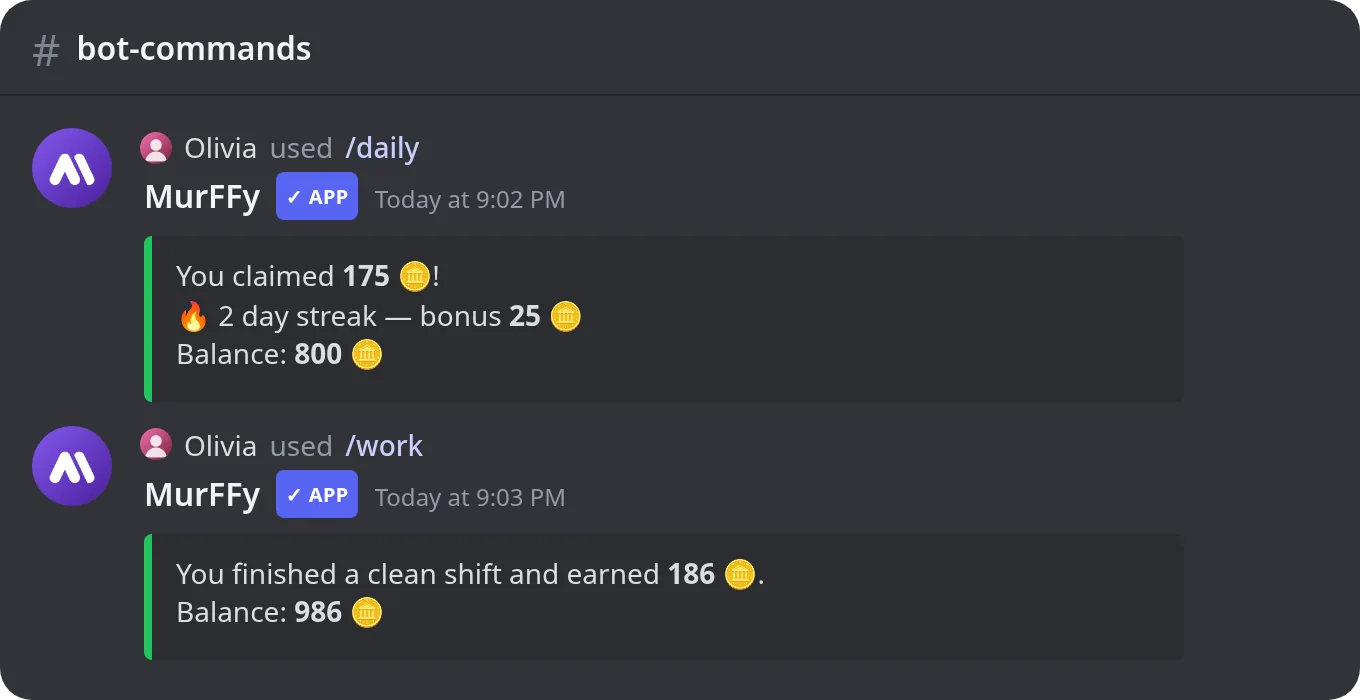
- Sources (earning): the daily reward, activities, jobs, quests, passive income.
- Sinks (spending): the shop, crates, transfer tax, job fees.
With many sources and few sinks, the currency loses value and stops being fun. That's why MurFFy shows a forecast daily issuance in each section: how much new currency appears every day. Compare it to your shop prices.
Step 1. Start from a preset
Click Quick setup and choose one of three presets:
| Preset | For | Feel |
|---|---|---|
| Casual | Relaxed, large communities | Fast rewards, easy first purchases |
| Balanced | Most servers | Steady pace and clear spending |
| Progression | Servers built for the long game | Slower start, bigger milestones |
The preset creates the currency, three activities (/work, /hustle, /crime), three jobs, starter items and a shop. You can change everything afterwards: names, emoji, payouts, cooldowns and prices. Not sure? Start with Balanced.
Step 2. Set the rules and the daily reward
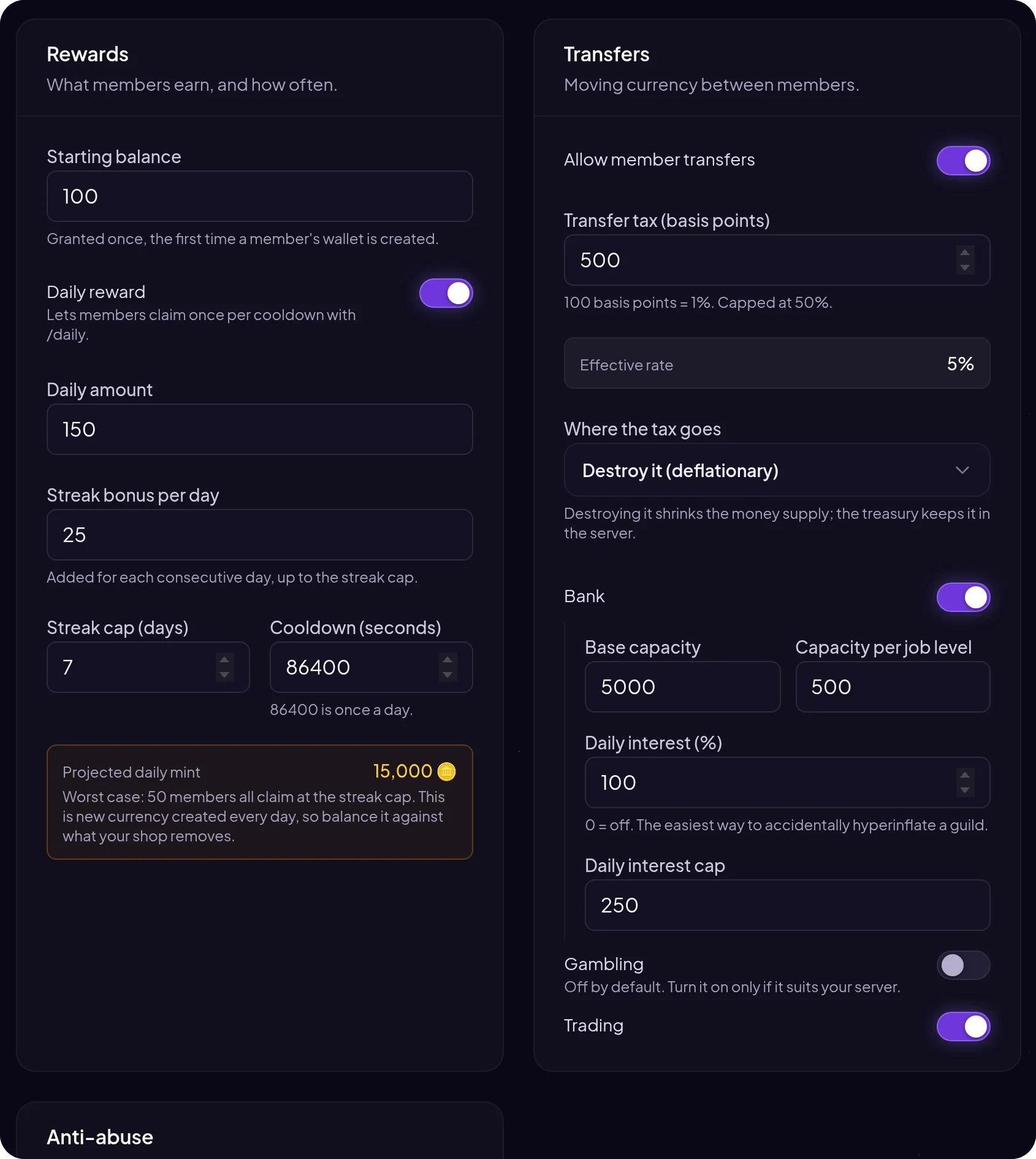
Under Rules & basics you set:
- Starting balance: what every new wallet gets.
- Daily reward: the
/dailyamount, the cooldown (86,400 seconds is once a day) and a streak bonus added for each consecutive day up to a cap. Streaks are one of the best ways to bring people back daily. - Transfers: whether members can send each other currency with
/pay, and what tax to charge. Tax is a simple sink that slows inflation. - Bank: savings with a capacity that grows with job level, and optional interest.
- Gambling, robbing, trading and auctions: optional features. Gambling is off by default. Turn it on only if it fits your server.
Abuse protection: set a minimum account age (e.g. 7 days) and a minimum time on the server (e.g. 30 minutes). Fresh alt accounts then can't farm currency and send it to a main account.
Step 3. Activities and jobs: how members earn
Activities are quick commands with a cooldown. Each has a payout range, a failure chance (with a penalty) and a "crit" chance for a bigger payout.
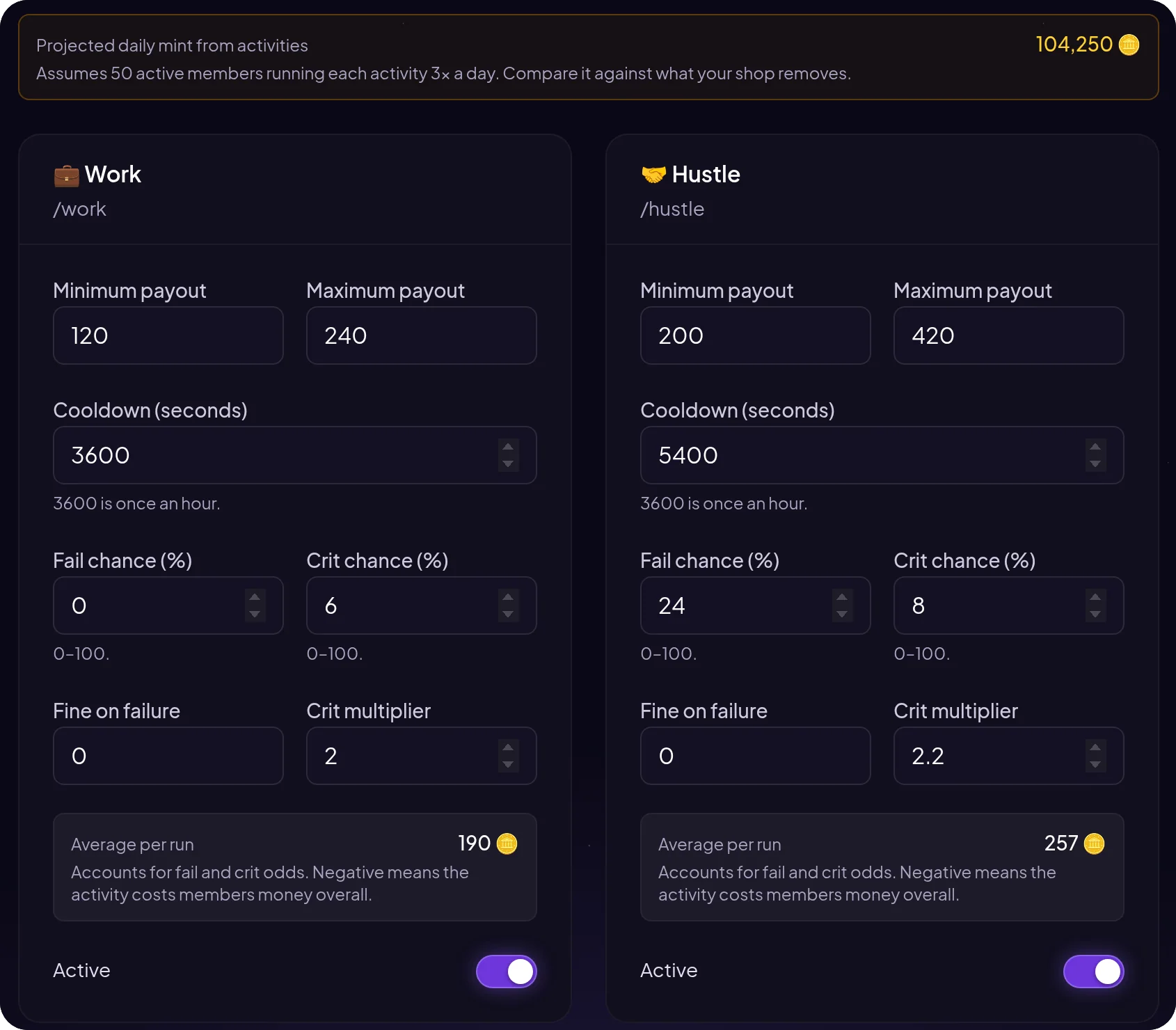
/work: safe, always pays something,/hustle: more to earn, but it can fail,/crime: the highest payout, with the highest risk and penalty.
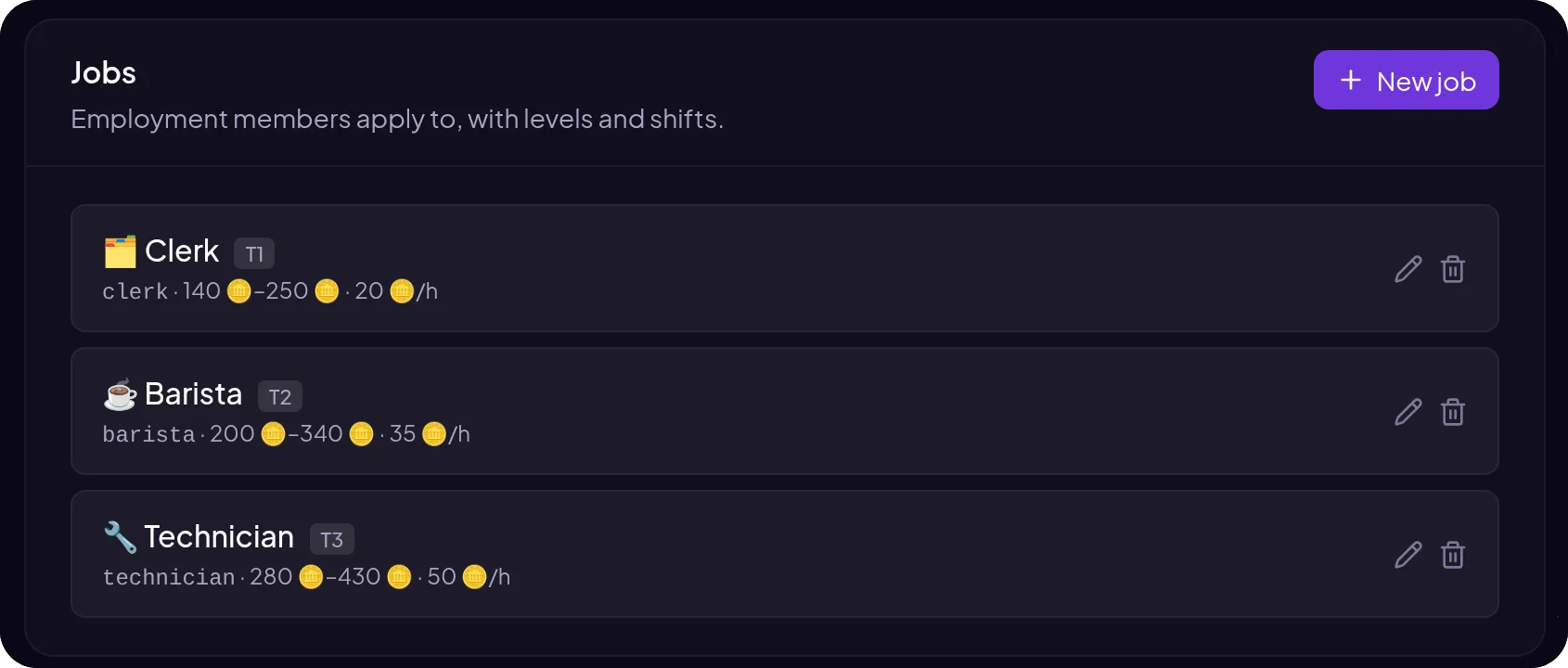
Jobs are a second layer: a member takes a job with /job, earns a salary and gets promoted over shifts. Higher jobs have a start fee, which makes them something worth saving for.
Step 4. A role shop: what to spend on
The shop is your most important sink. Roles sell best: they show in the member list and give a name color or access to a channel.
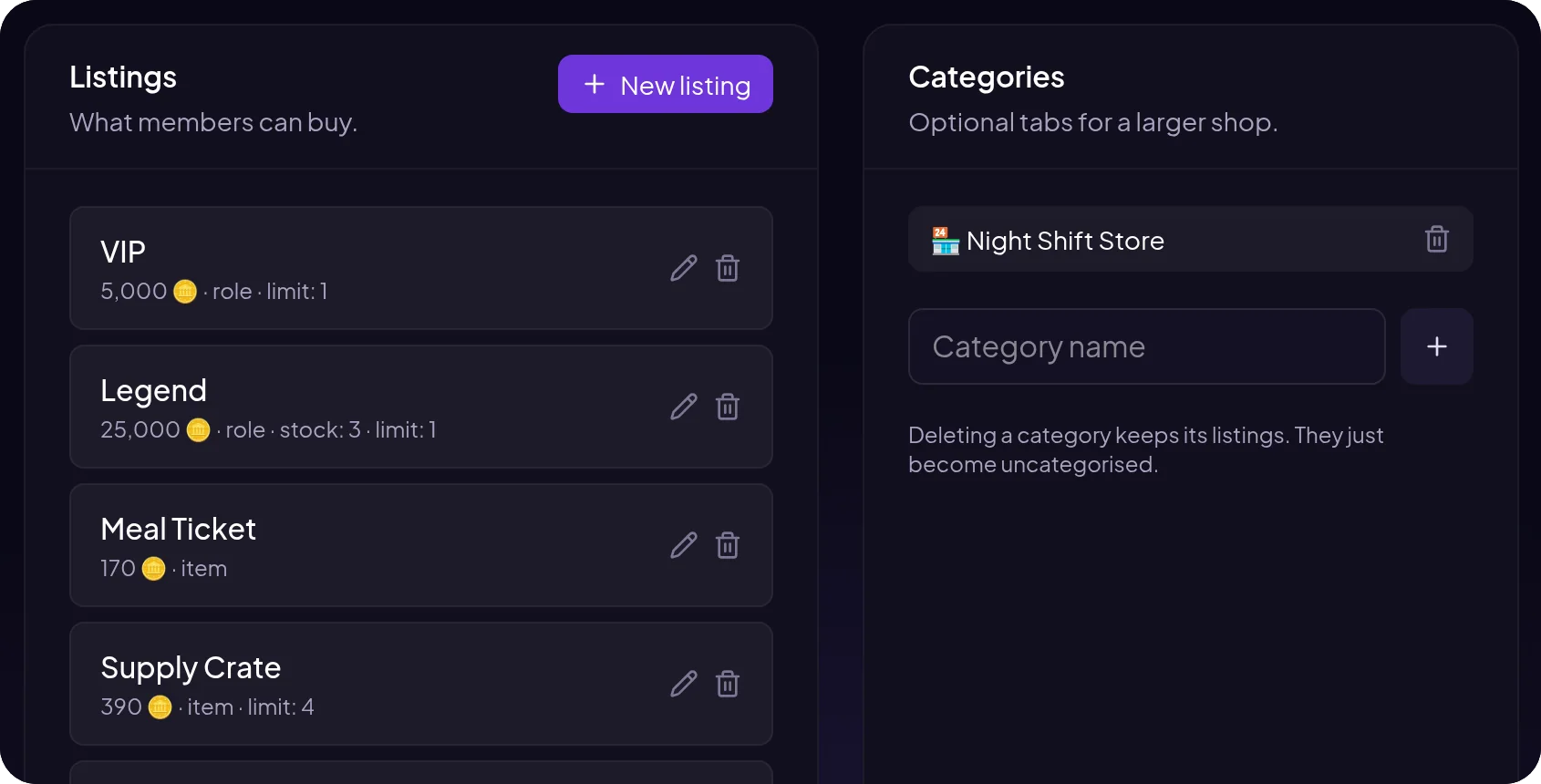
For each listing you set a price, a per-member limit (e.g. 1 for roles) and stock. A Legend role for 25,000 with only three available on the whole server makes a great long-term goal.
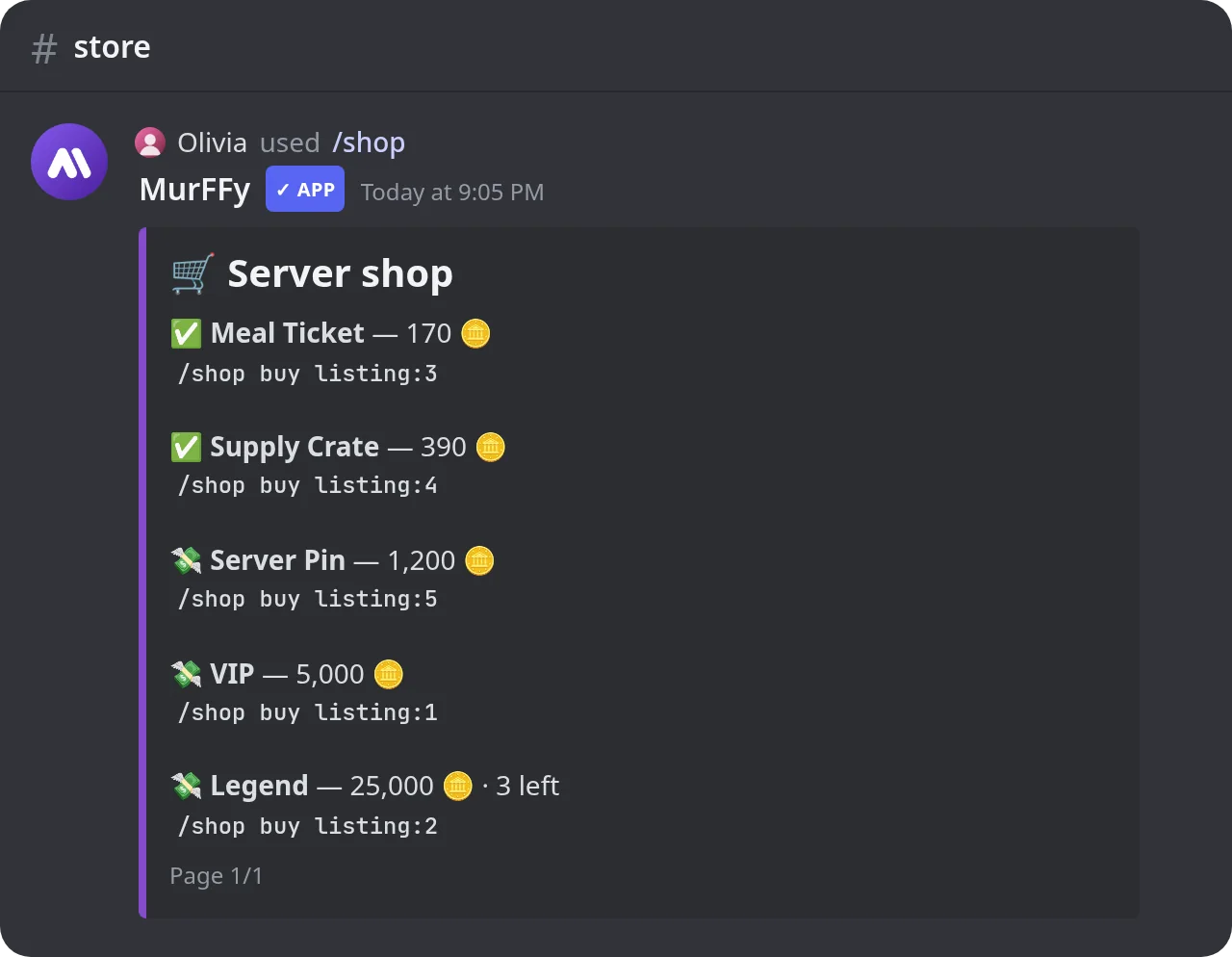
Members browse with /shop and buy with /shop buy:
Key economy commands
| Command | What it does |
|---|---|
/balance | Wallet and bank balance |
/daily | Daily reward with streak bonus |
/work, /hustle, /crime | Activities with payouts |
/job | Job list, hiring and status |
/shop | Browse and buy listings |
/pay | Send currency to another member |
/bank | Deposit and withdraw |
/inventory, /use-item | Inventory and using items |
/richest | Richest members leaderboard |
How to avoid inflation
- Start from a preset and change one thing at a time.
- Compare daily issuance to prices. If nothing in the shop is worth saving a week for, the currency quickly stops mattering.
- Add sinks: transfer tax, job fees, limited roles.
- Limit abuse with a minimum account age and time on the server.
- Check analytics and the transaction ledger in the dashboard before raising rewards.
FAQ
Is the MurFFy economy free?
Yes. Currency, activities, jobs, the shop, the bank and the commands are on the free plan.
Can I name the currency myself?
Yes. You set the name (such as Token, Tokens), a symbol and its position. You can also have several currencies.
Can I connect the economy with leveling?
Yes. In the leveling system you can give currency as a level reward instead of a role.
How do I sell roles for currency?
In the Shop, click New listing, choose the role type, set a price and a limit of 1 per member. The bot role must be above the role you sell.
What's next
An economy works best on a server that already has regulars. Get your welcome messages and levels right first, then come back and add the shop.
See everything the module can do on the Discord economy bot page.